

Ask questions without your name on them. Buy and sell with students at your school. Find events, and see how many students share your classes.
Sample data shown for illustration.
Six things Recess does, all in one app made for students.
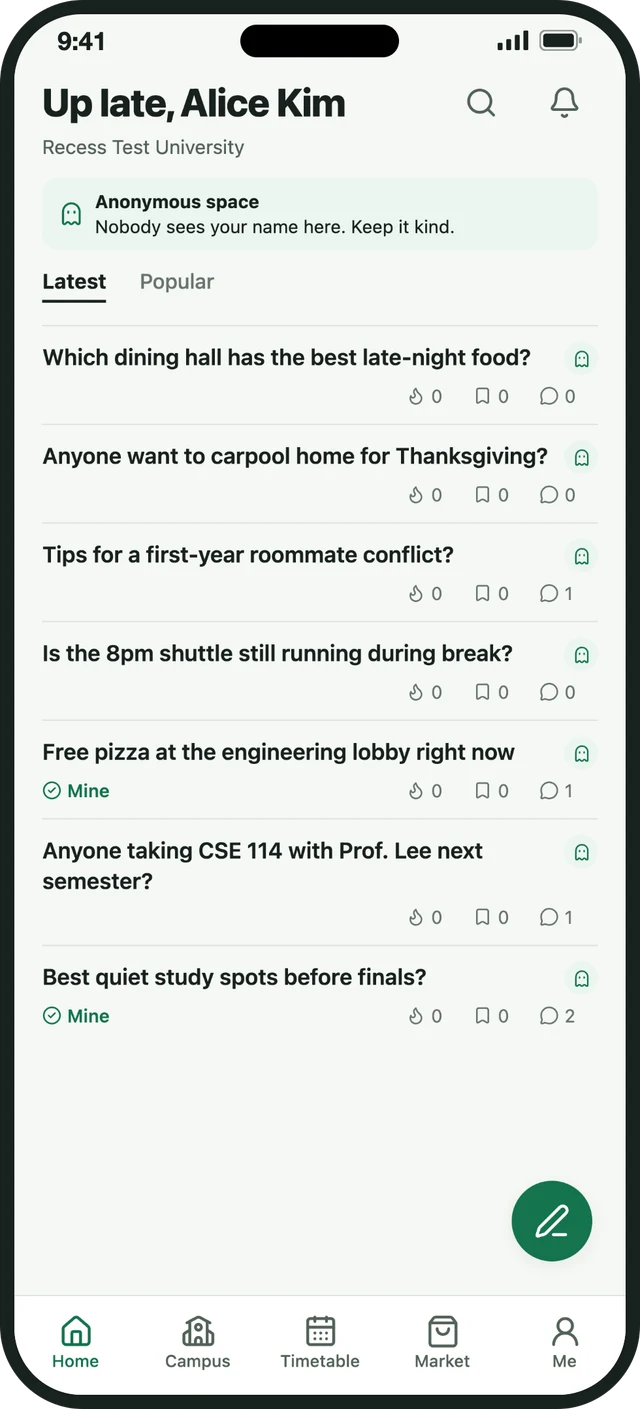
Post a question to students on your campus without your name on it. Other students never see who asked, so you can ask the things you would not ask out loud.
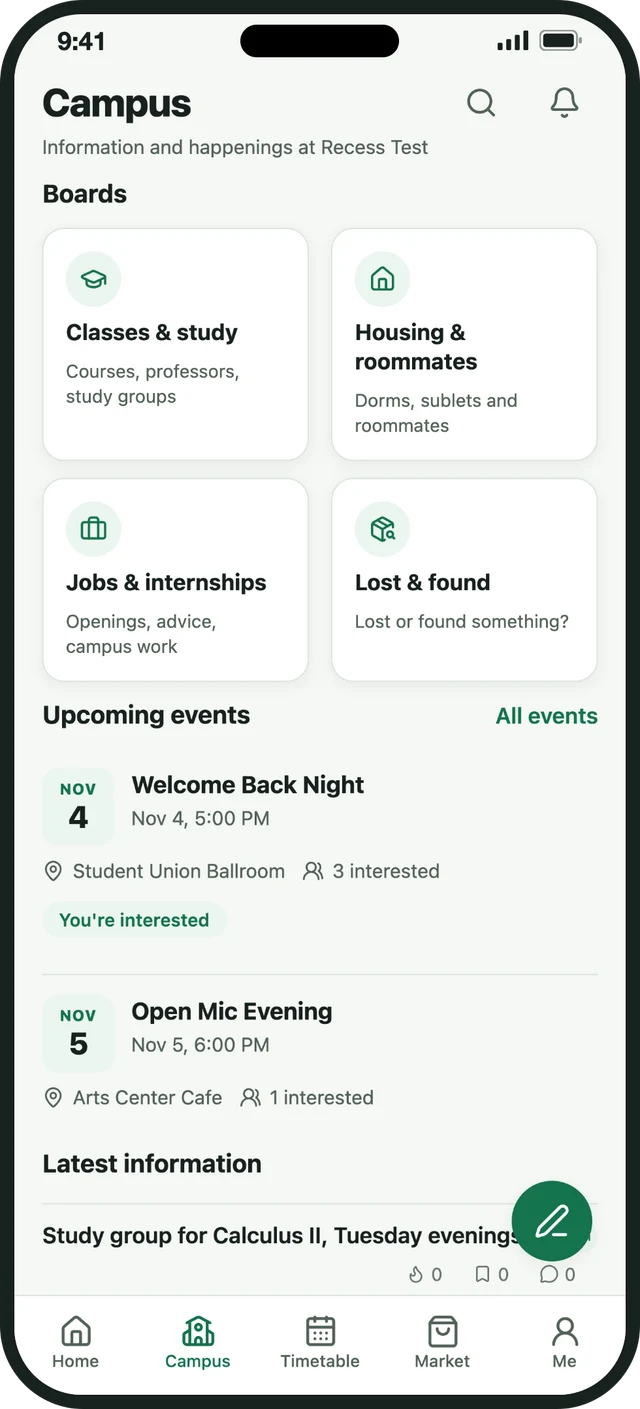
Dedicated boards for classes, housing, jobs and lost and found. Here you post with your username, so conversations stay useful and people know who they are talking to.
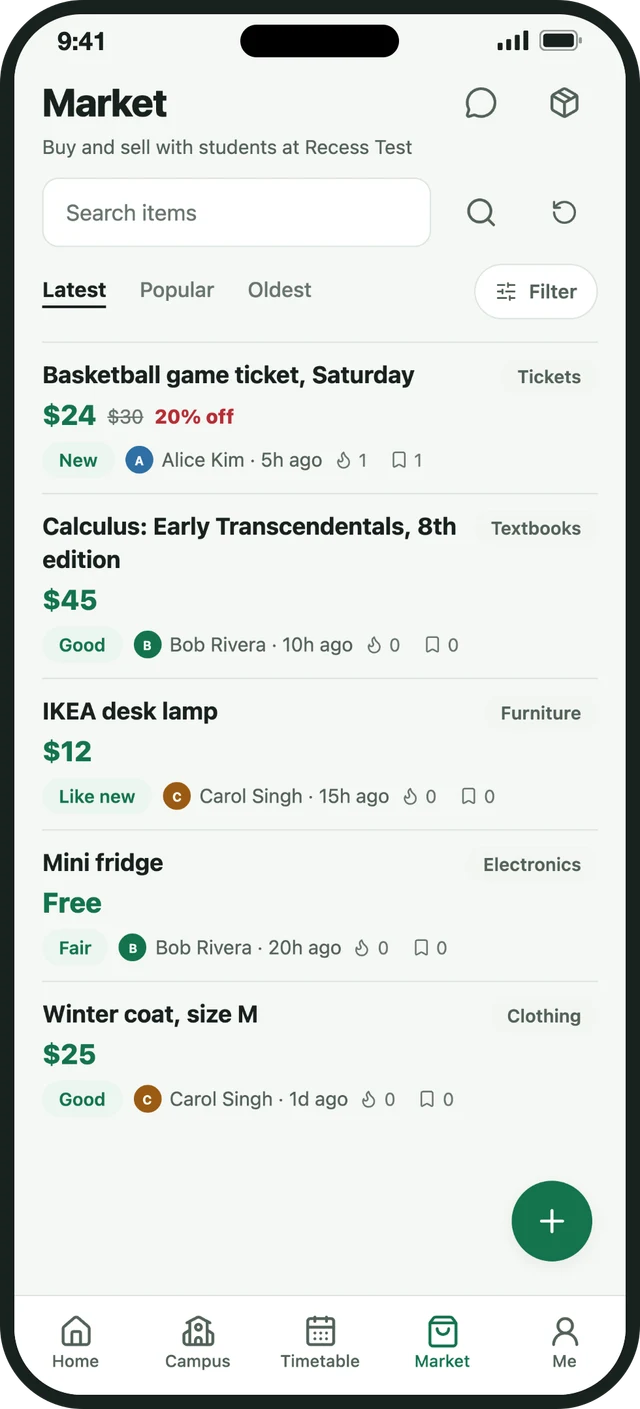
Buy and sell with students at your school. Textbooks, furniture, electronics, clothing, tickets and more. Set a price or choose Free, pick the condition, and chat inside the app, so you never have to share your phone number or email.
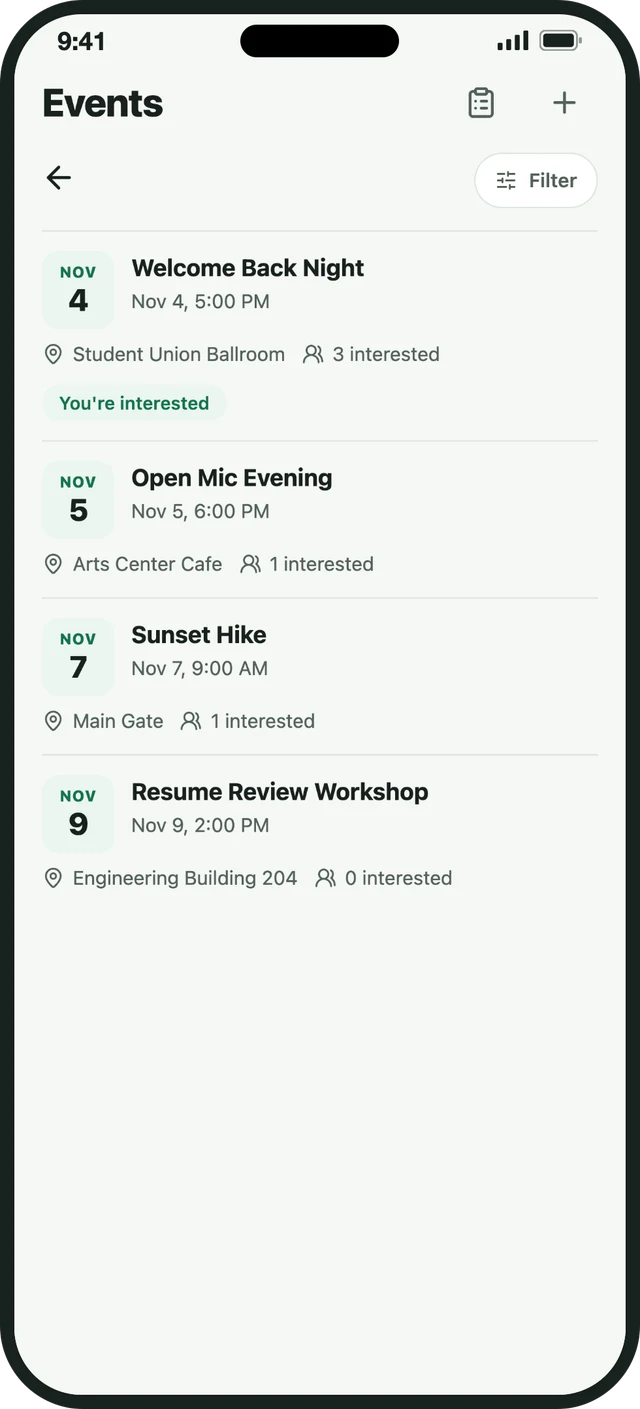
See what is happening on campus. Tap "I'm interested", add an event to your phone calendar and get a reminder the morning of. Clubs and organizers can submit events, which are reviewed before they go live.
Sample data shown for illustration.
Type in your classes and see how many other students are in each one. Suggestions come from classes other students added. Your timetable is private, and you get one per semester.
Report a post, comment, listing, event or conversation from its menu. Block anyone. Choose which notifications you get. Delete your account in the app whenever you want.
It takes a few minutes. You do not need a phone number.
Recess is for college students. Enter your school email address to get started.
We send a code to that email. Not there yet? Check your spam folder.
One word, no spaces. It is the name other students see on campus boards.
Your name is hidden from other students on Home. Recess can still act when something is reported, and you stay in control.
Use the three-dot menu on any post, comment, listing, event or conversation.
Block an account at any time. Manage blocked accounts under Me.
Choose which kinds of notifications you want. Alerts never show who wrote an anonymous post.
Open Me and choose Delete account. It removes your account and the content linked to it.
If many students report the same post, Recess hides it and pauses its author while the team takes a look. Read the Community Guidelines for what is and is not allowed.
Submit your event with the title, place, time, organizer and photos. Once it is reviewed, students on your campus can find it, tap interested, add it to their calendar and get a reminder the morning of.
Write to support@recess.at. Please include your school and the email you use in Recess. Never send your password.